Missed a drive?
Add it manually.
Search a route, confirm the miles, and save.
Home
Design studio
A little review.
A useful record.
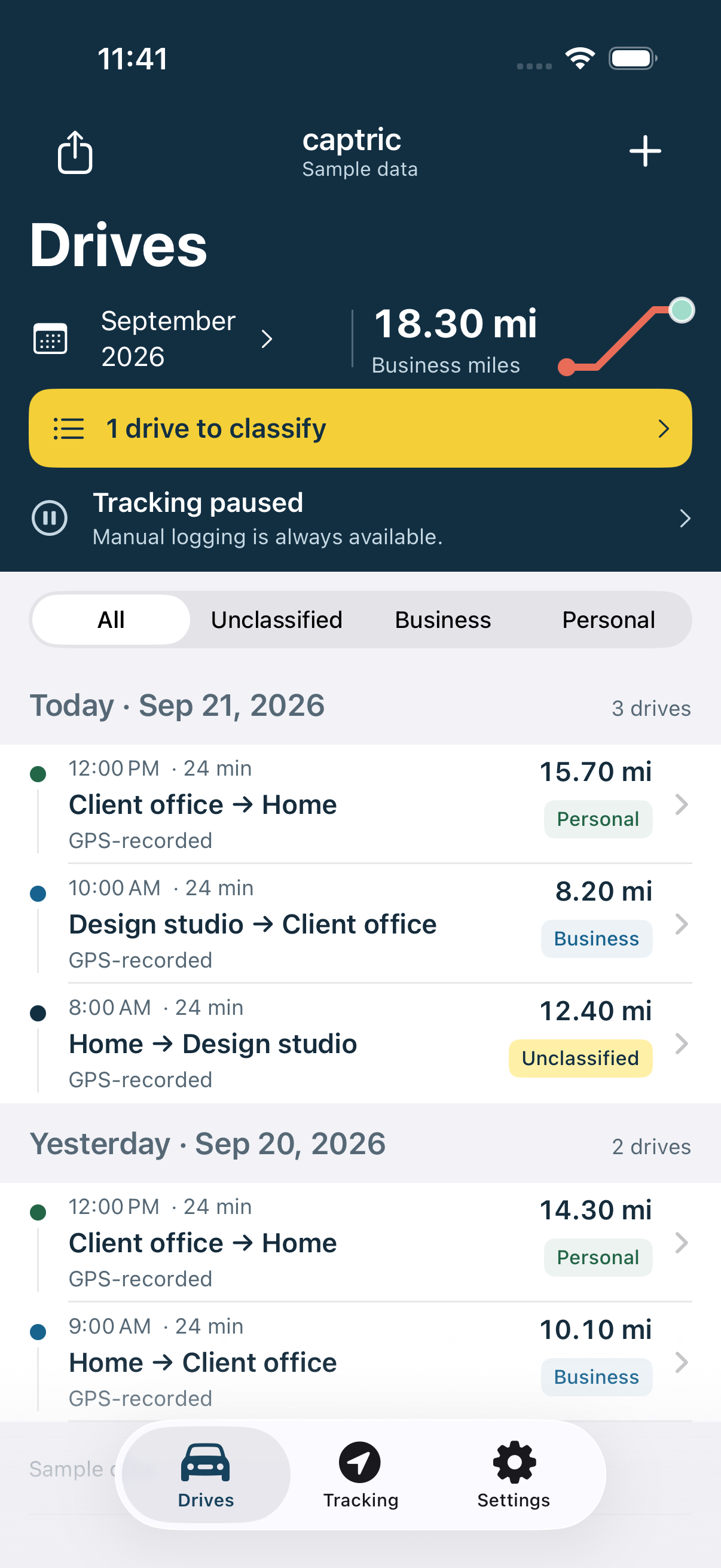
Every new drive starts Unclassified. You decide what was Business or Personal, and add a purpose or note when you need it.
Captric never guesses from your destinations, work hours, or previous choices.
See what goes in your logTry a sample drive
Sep 21, 2026 · GPS-recorded
Home to Design studio
12.40 miUnclassified miles stay out of business totals.
Business miles in this example0.00 mi
Drive first.
Review later.
Turn on tracking and let Captric record drives in the background. Return to a chronological list, filter the dates you need, and review each trip.
Know where tracking stands.
- Enabled
- Tracking can listen for drives.
- Paused
- New location collection stops until you resume.
- Needs attention
- Known permission issues come with a next step.
Your log.
Ready to go.
Choose a date range. Export Business trips or all trips as CSV, then save or share the file from your iPhone.
Locations, miles, classification, notes, and distance sources travel with the record. Original mileage stays available when you override it.
Download sample CSVA record you can read.
- Date
- September 21, 2026
- Route
- Home → Design studio
- Distance
- 12.40 miles
- Classification
- Unclassified
- Distance source
- GPS-recorded
- Mileage overridden
- No
On your phone.
In your hands.
Your mileage ledger lives on your device. The initial app works without a Captric account or an app-owned server.
Keep control of your record
Edit or delete drives, pause tracking, and export your mileage. Saved records and direct manual entry work offline.
Maps have a connection
Address search and route estimates use Apple’s map services. Those requests send search and route information to Apple.
Keep a copy that matters
Device loss or uninstalling the app can lose local data. Export important logs; a CSV is a record, not a full app backup.
A few things to know.
Can I download Captric yet?
The Captric alpha is being prepared for TestFlight. Public invitations are not open yet. We’ll add the invitation here when the build is approved and available. Learn about the alpha.
What works without a connection?
Recording, editing saved drives, and entering locations and mileage directly work offline. Map search and driving-route estimates require connectivity. If a lookup fails, you can keep the draft and type the miles yourself.
Can I correct a drive?
Yes. Change the date, locations, mileage, classification, or notes, or delete the drive. Overriding mileage keeps its original distance and source. Edited mileage is used in totals and exports.
How are recorded and estimated miles different?
GPS-recorded mileage comes from a recorded drive. Map-estimated mileage comes from a driving route you confirm. Manually entered mileage is a number you supply. Captric labels the source so you can tell them apart.
Will Captric support teams or sync?
We’re planning to support teams and sync in the near future.